Robot design studio

Say what you want to build. Get the real thing.

Describe a part or a whole robot in plain words. McCoy builds real parametric CAD, designs the circuit board that goes inside, tests it, moves it and renders it, and keeps every revision.

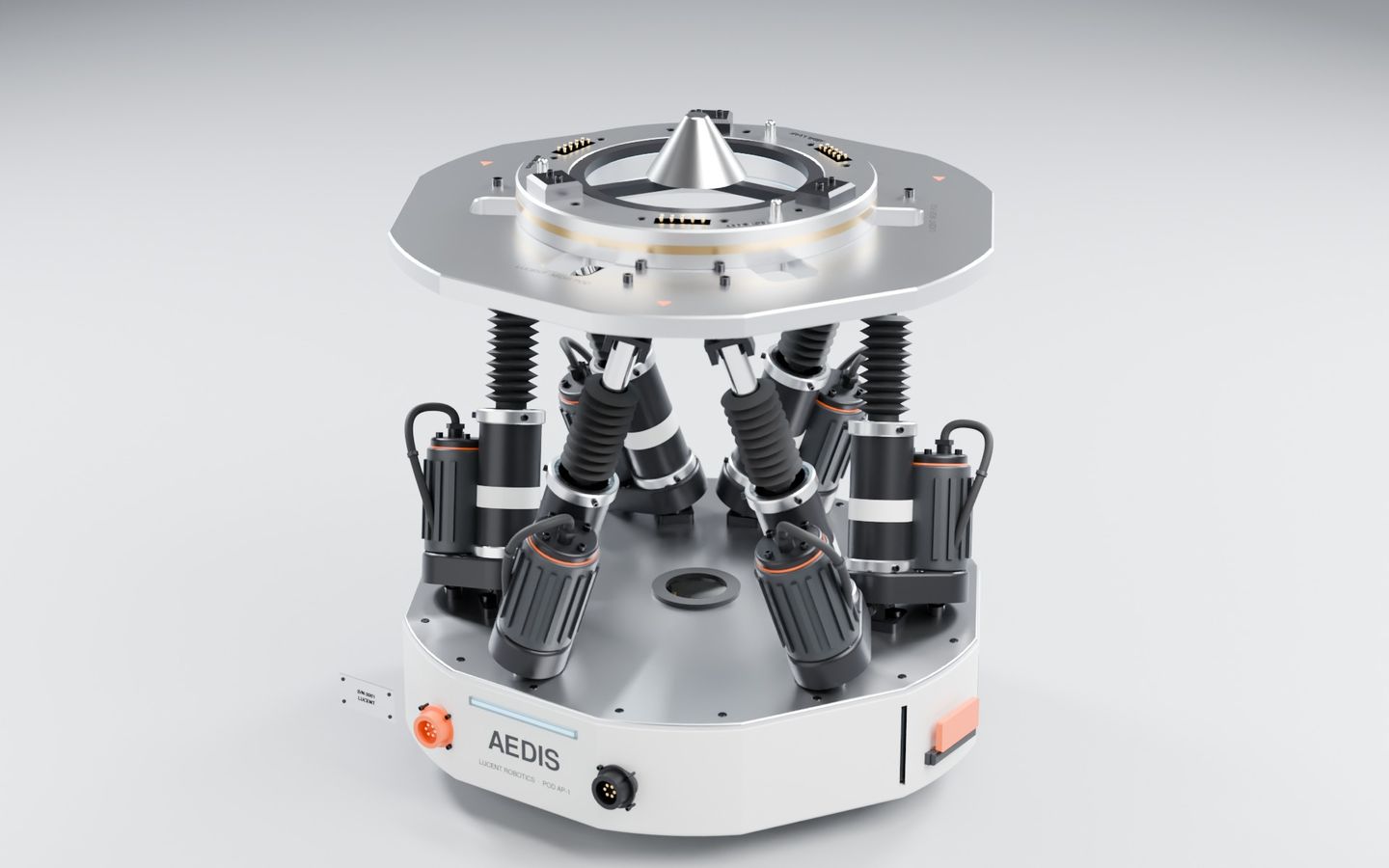
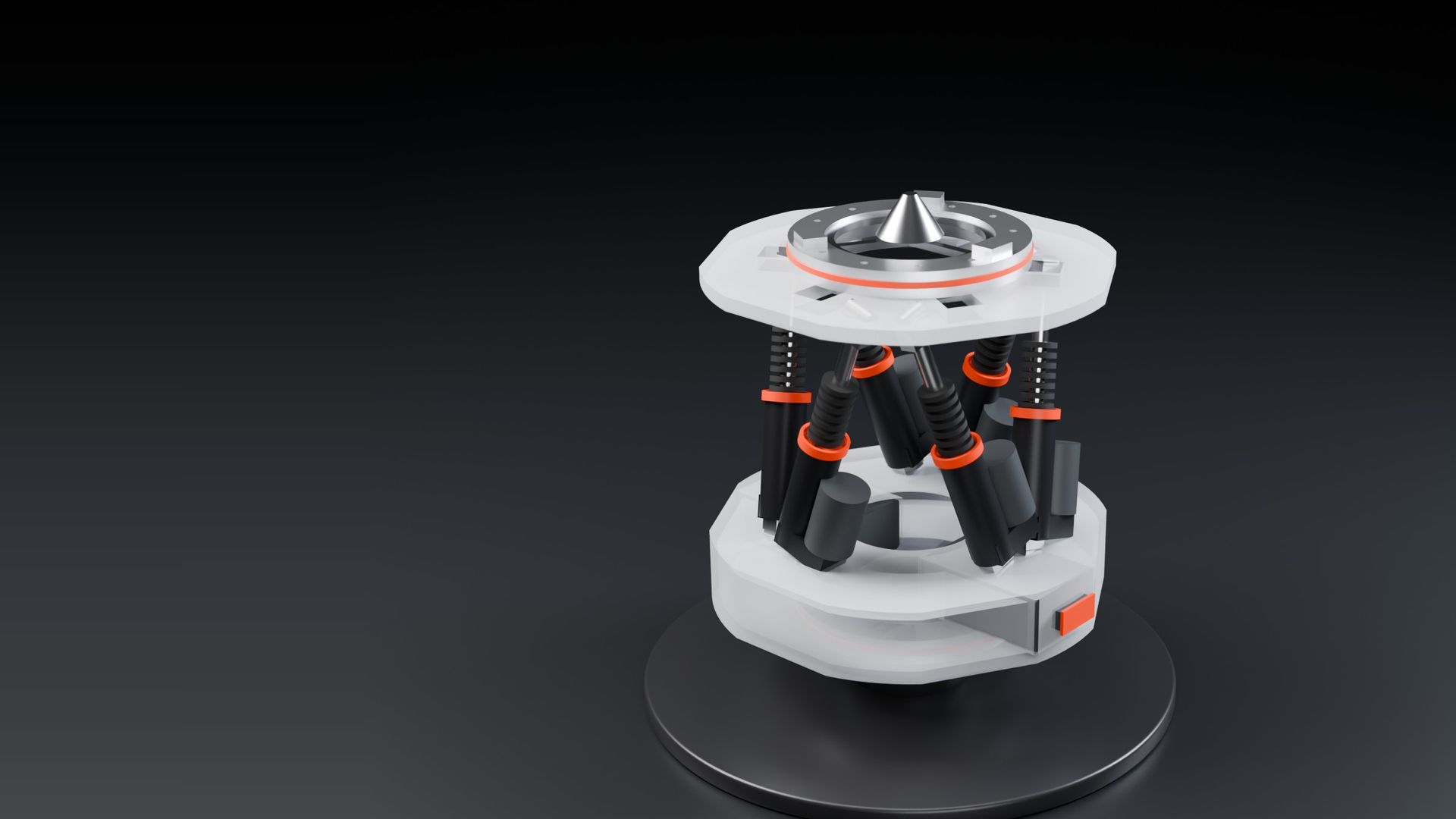
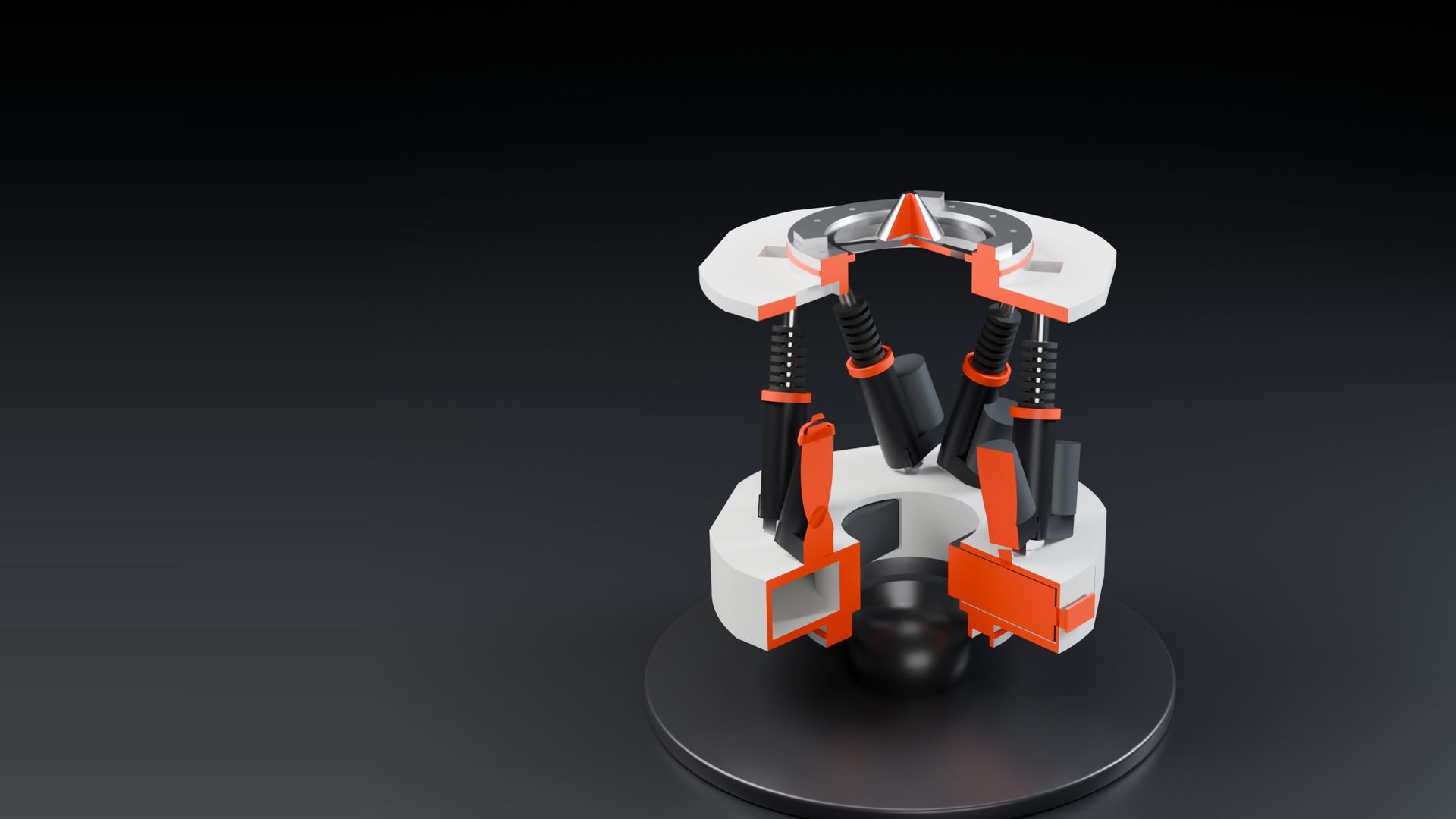
Aedis pod for Lucent Robotics · CAD with McCoy's engine · rendered in Blender

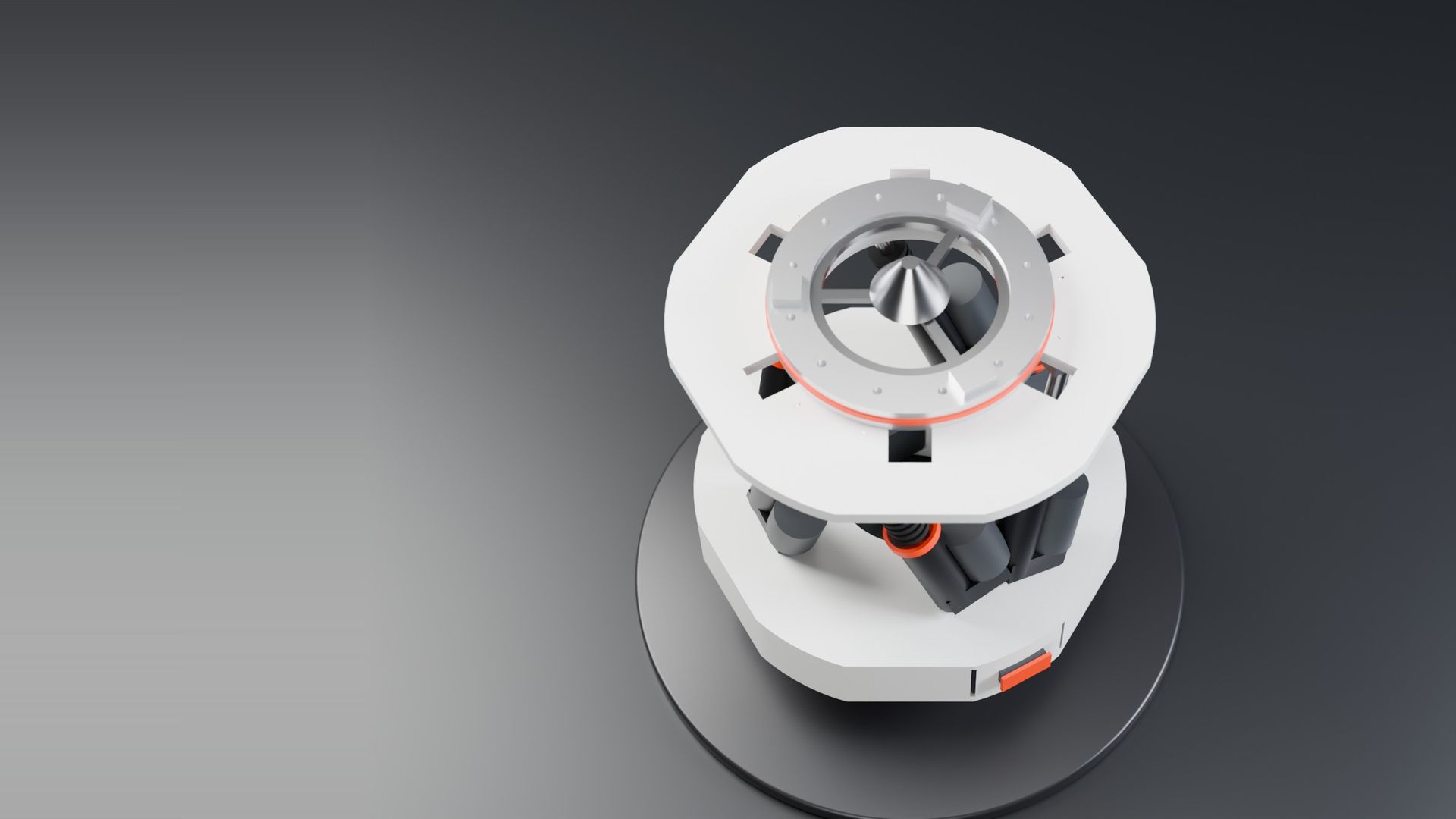
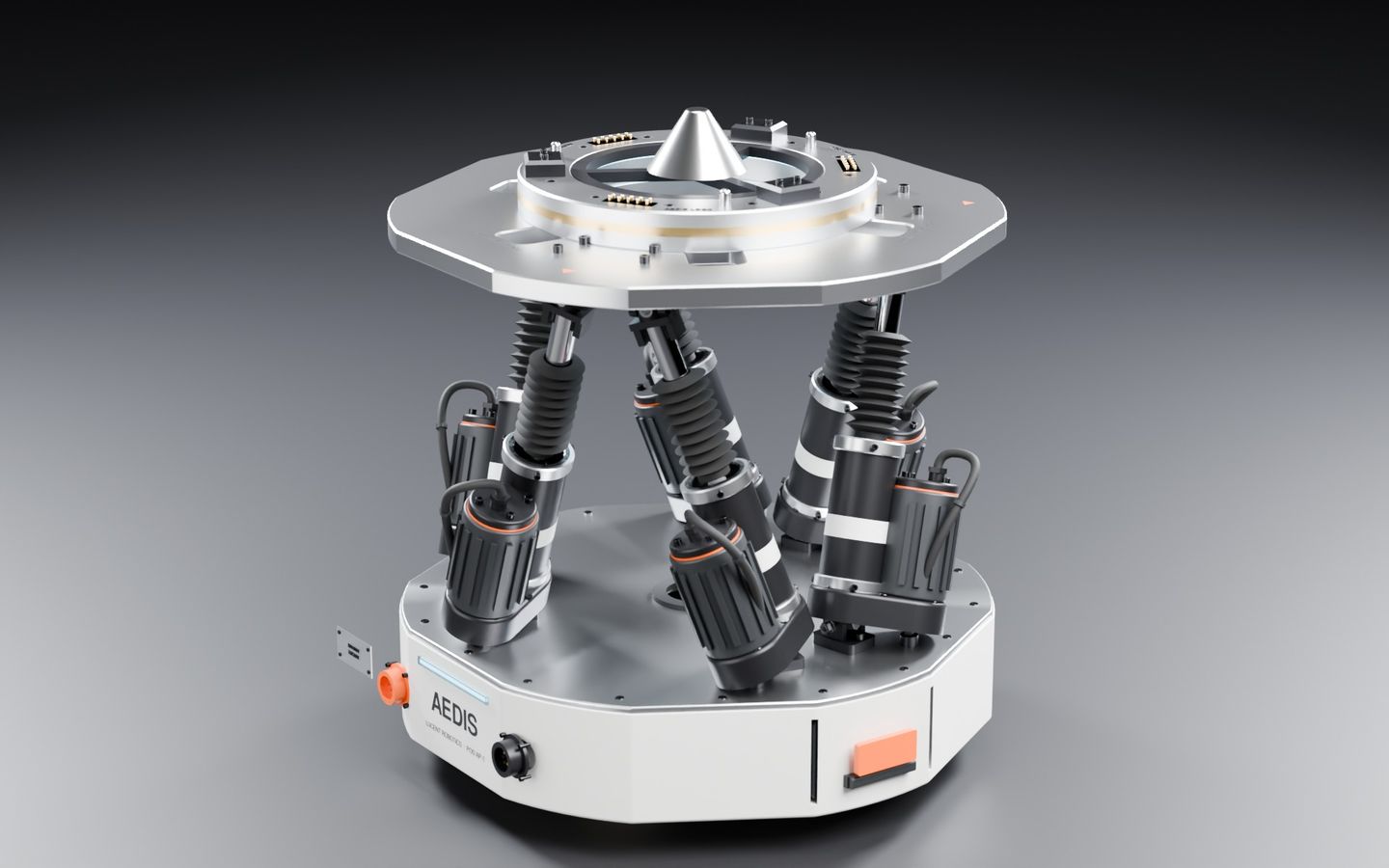
The detailed Aedis pod, a hexapod robot module, rendered in Blender
6actuators placed, sized and checked on the Aedis pod, a stackable hexapod moduleLucent Robotics · Aedis pod v1
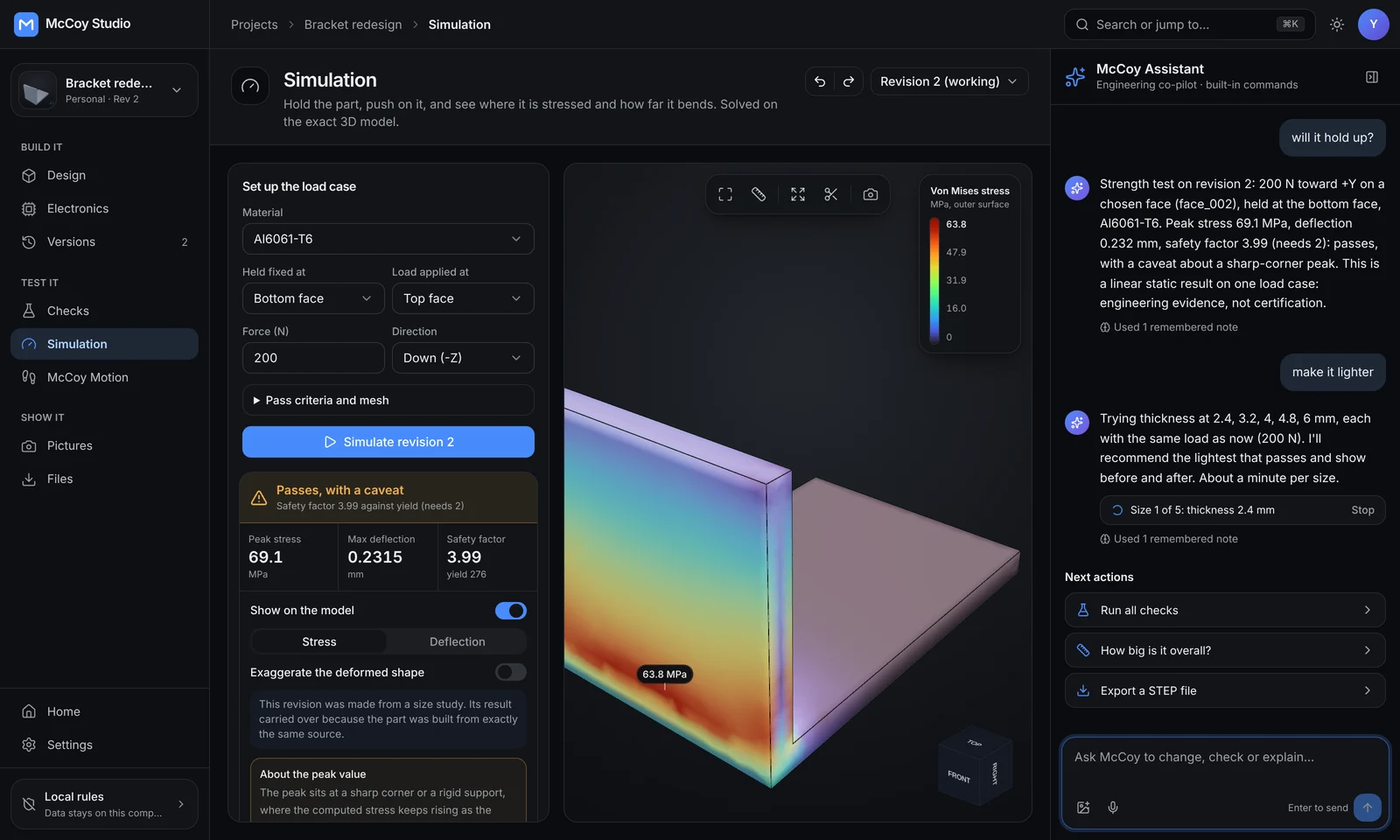
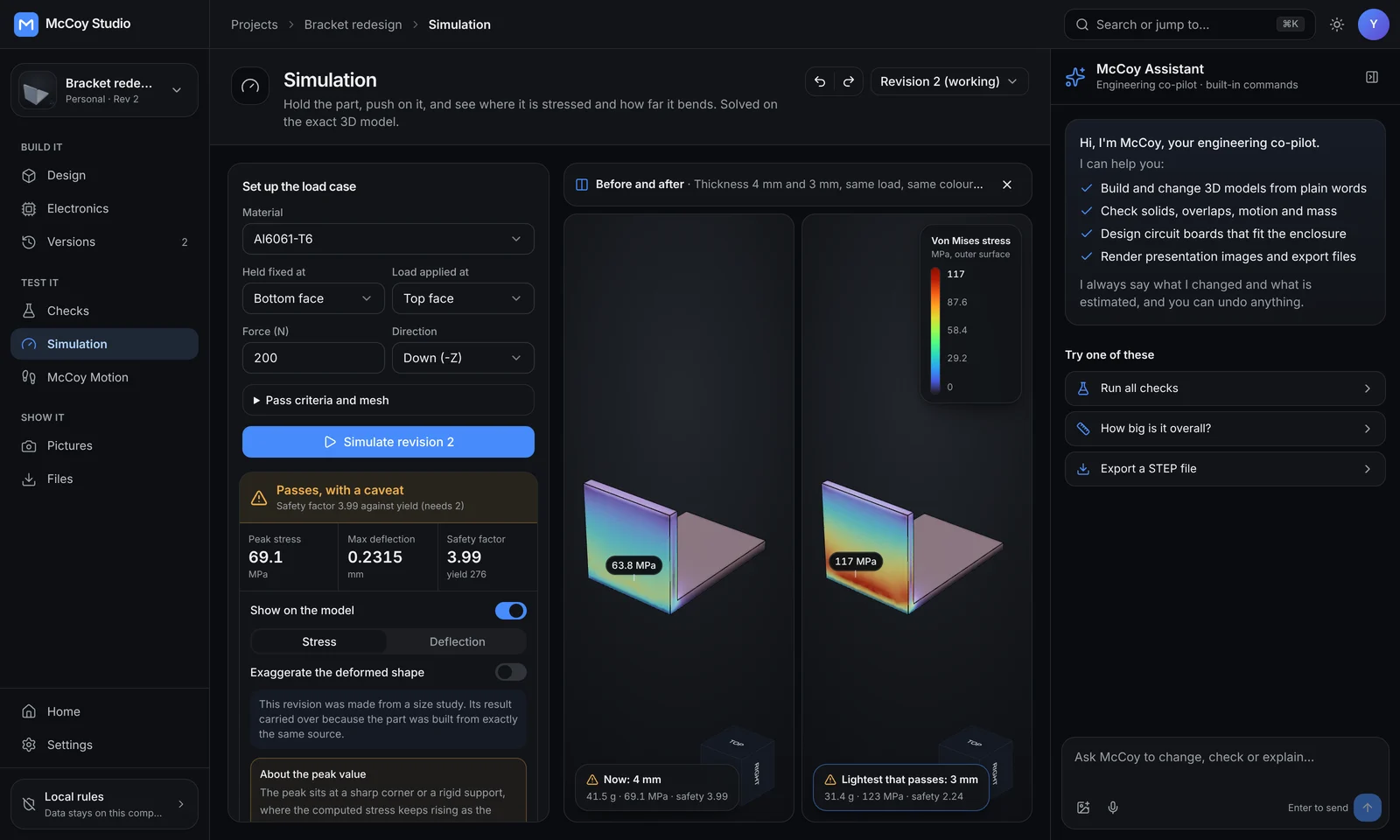
McCoy redesign study, before and after
24%lighter bracket: McCoy tried every thickness under the same load and kept the lightest one that passesRedesign study · 41.5 g to 31.4 g
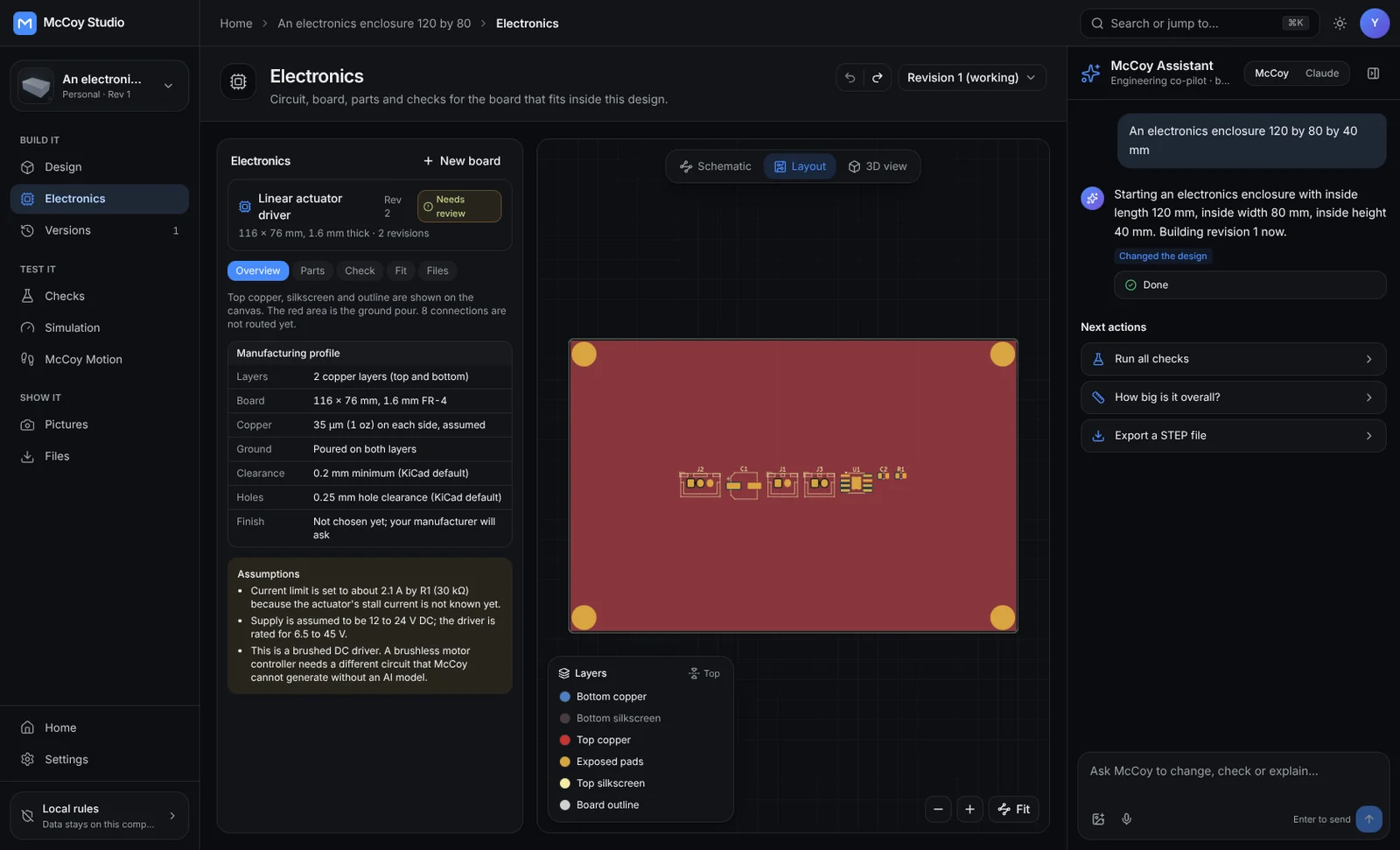
Circuit board layout in McCoy
1conversation from the enclosure to the board inside it, with the KiCad design rule check runElectronics · KiCad 9
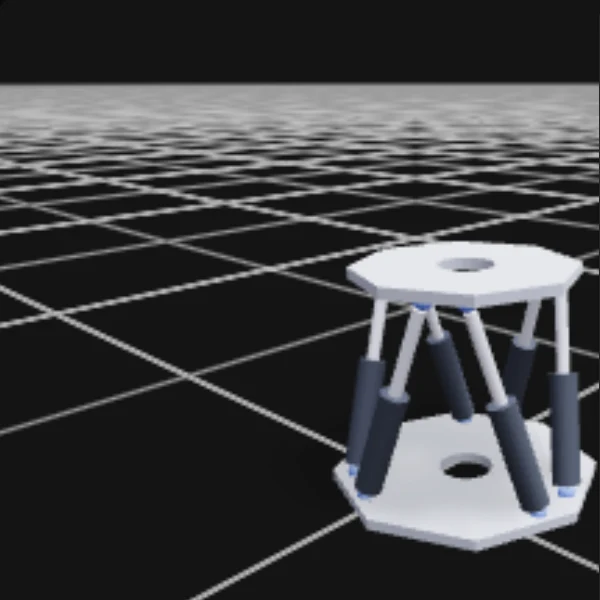
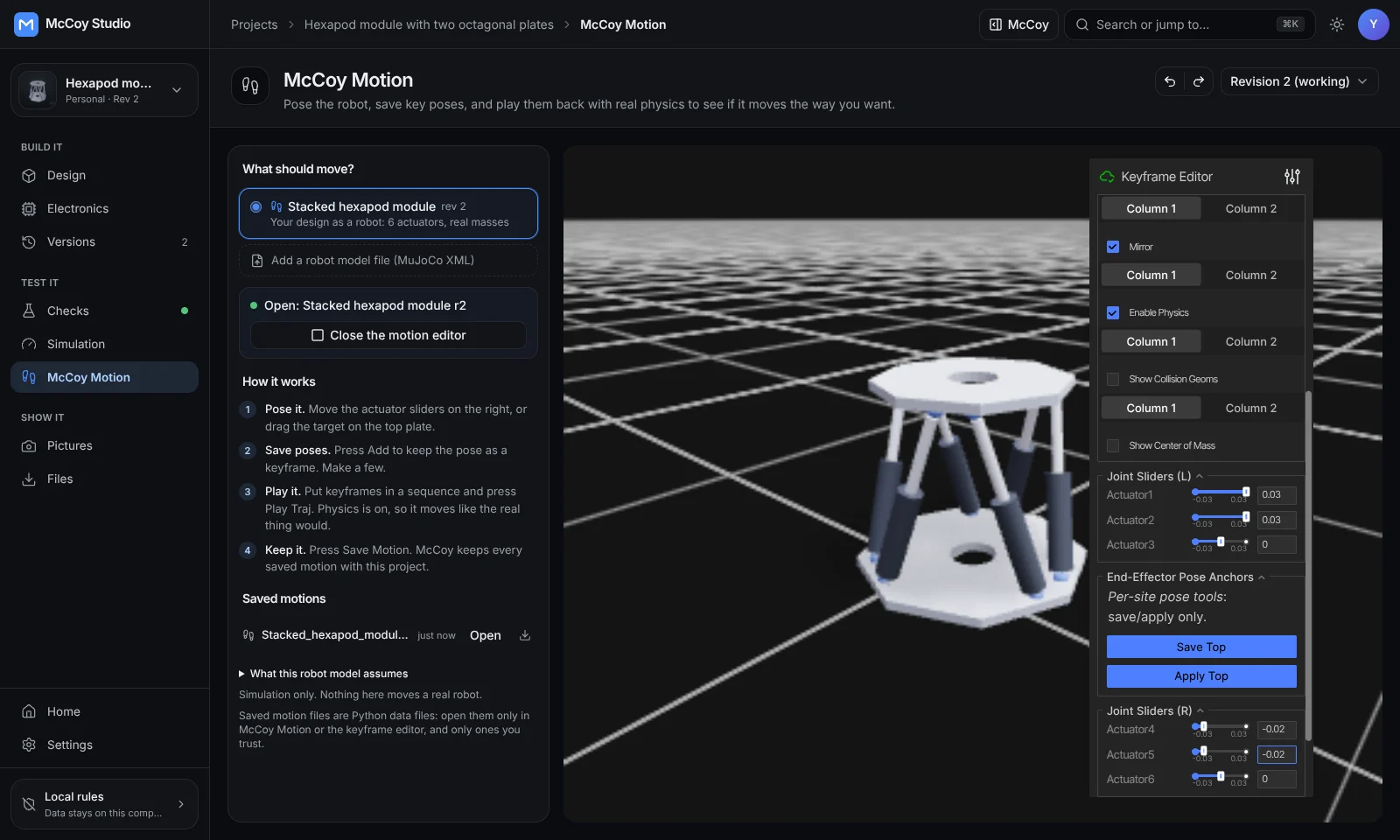
McCoy Motion posing a hexapod
1 mmhow closely the hexapod holds its pose under physics, driven by six position-controlled actuatorsMcCoy Motion · MuJoCo

The robot design studio

Hardware teams build robots on McCoy

One studio from the first sentence to the finished render: the model, the board, the checks, the stress tests, the motion and the pictures, with an assistant that says what it changed and what it guessed.

// MODEL_TO_DRAWING

Shaded or in lines.
The same exact geometry.

Scroll, or drag the divider. On the left is the McCoy model of the Aedis pod with its materials. On the right is every edge of that same model, moving as the top plate rides its six actuators.

Aedis pod
Loading the real model
Shaded modelLine drawing
// AEDIS_POD_V1994 parts · 6 actuators · live

Start with a sentence,
not a sketch

Type it, say it or show a photo. McCoy turns it into a real parametric model, tells you which numbers it chose, and builds it again the moment you change one.

  • Plain words
  • Voice
  • From an image
  • Undo anything
McCoy · Aedis pod · revision 1

Design a one-foot hexapod module with a lock on both ends and two side battery slots.

Built revision 1. I placed six actuators on a 112 mm joint circle and put a lock ring on the top and bottom plates.

  • ✓ Solid and closed, 41 parts
  • ✓ No overlaps between parts
  • ✓ Mass worked out for every part
  • ! 16.6 kg in solid aluminium. Your target is 12 kg, so I'd lighten the base next.

Lighten the base and render it on black.

Ask McCoy to change, check or explain…

Example conversation · numbers from the real Aedis pod v1 model. Mass is McCoy's estimate for solid aluminium.
A classic CAD workbench
when you want your hands on it

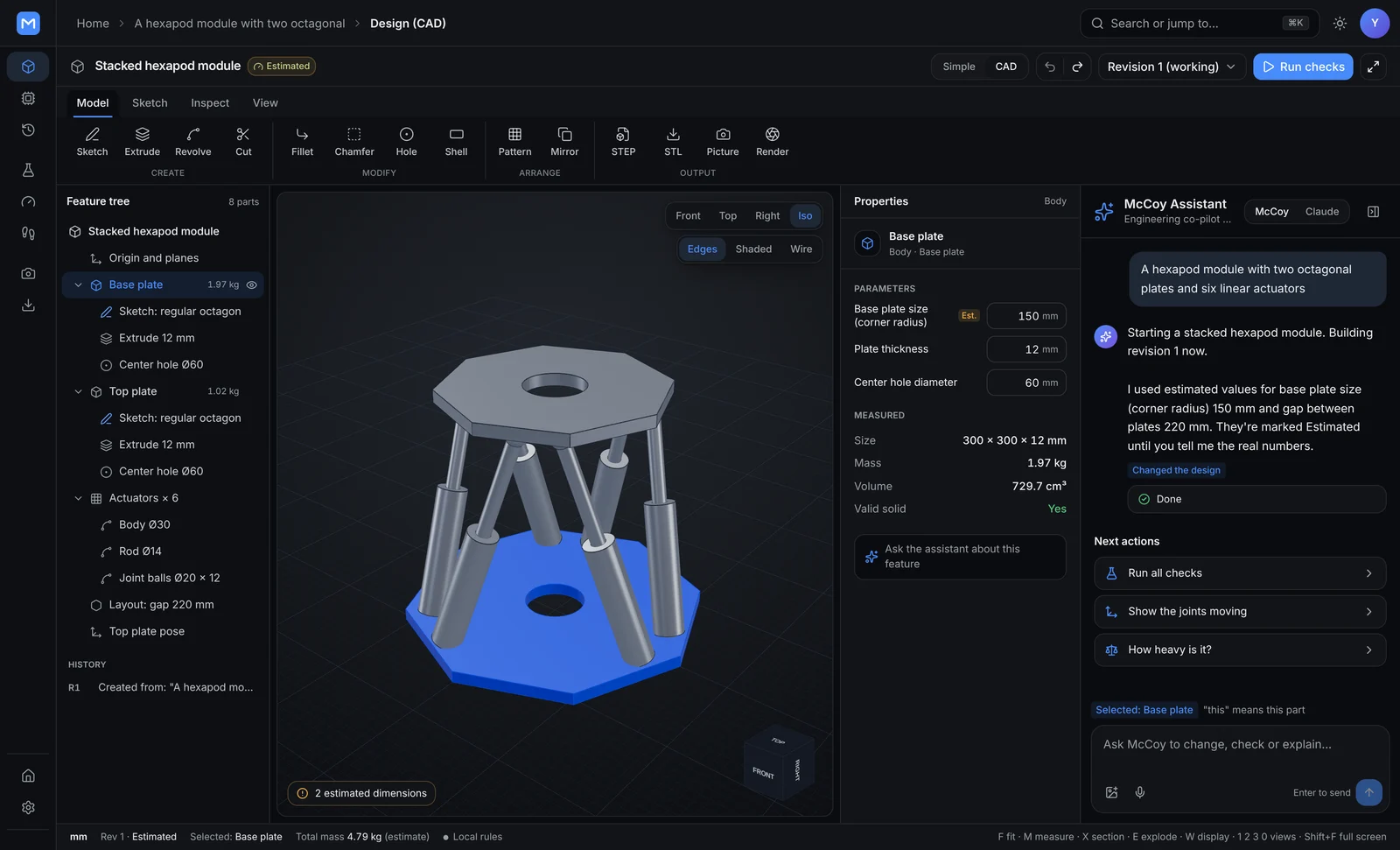
Switch to the workbench for a feature tree, sketches, fillets and measurements on the same model. Need the full desktop tools? Open the design in real FreeCAD or Blender inside McCoy and bring the changes back as a new revision.

  • Feature tree
  • Sketch
  • Measure
  • FreeCAD
  • STEP · STL · GLB
McCoy CAD workbench with a hexapod module

Workbench · stacked hexapod module, revision 3

The board that fits
inside the part

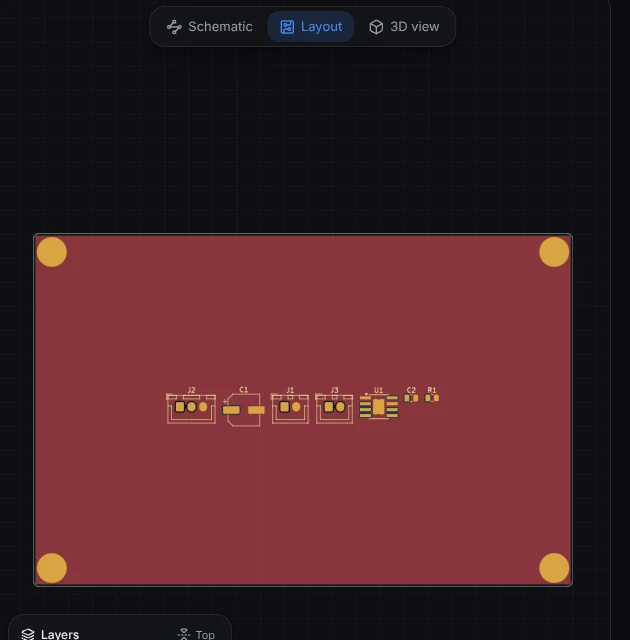
McCoy designs the circuit board for the enclosure it just drew: schematic, layout, parts list and a 3D fit check, with the KiCad design rule check run on every board.

  • Schematic
  • Layout
  • 3D board
  • Gerbers
Board layout view in McCoy

Real KiCad,
right in the browser

When a board needs a human touch, open it in the full KiCad editor inside McCoy. Save, and the board comes back as the next revision.

Electronics · on every board

  • ✓ Netlist matches the schematic
  • ✓ KiCad design rule check
  • ✓ Board fits the enclosure in 3D
  • ! Unrouted connections listed for review

Push on it before
you cut metal

Hold a face, load another, and McCoy meshes and solves the exact geometry. Then it tries every size you name under the same load and recommends the lightest one that still passes.

  • Stress
  • Deflection
  • Safety factor
  • Redesign study
Before and after redesign study in McCoy
Solved peak stress42.2MPaHand estimate: 42 MPa
Bracket, 4 mm to 3 mm−24%41.5 g to 31.4 g, same load
Safety factor kept2.24Above the 2.0 it must pass

Simulation · L bracket in Al 6061-T6, 200 N

Make it move

McCoy Motion turns a design into a physics model. Pose it, save keyframes and play them back under real physics, with the result kept beside the design.

  • Keyframes
  • Physics
  • Robot models
McCoy Motion

Pictures worth
putting in a pitch

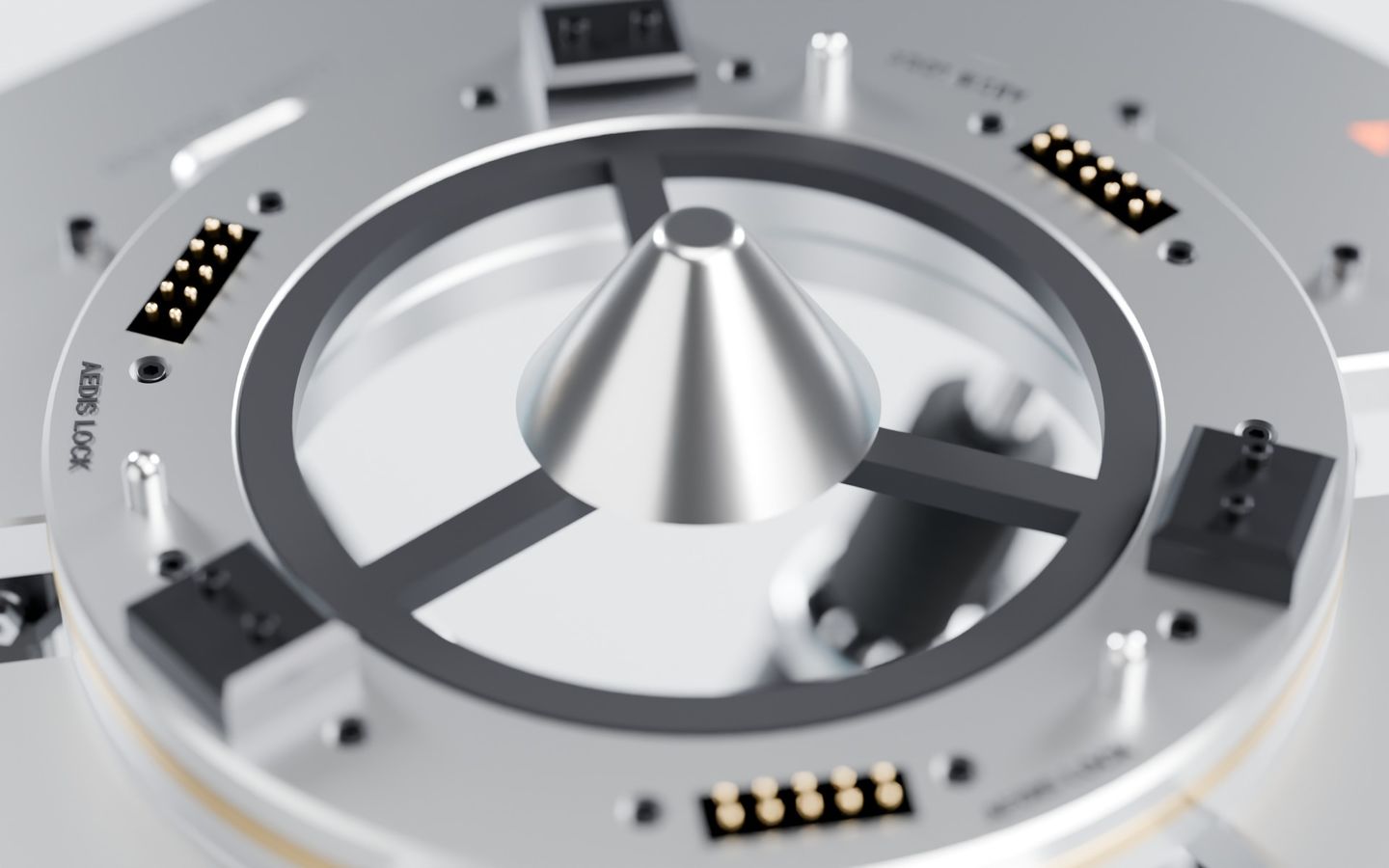
Studio, cut-away, close-up and turntable renders from Blender, made from the exact revision you are looking at.

Claude can drive it too

Claude works inside McCoy and from the Claude app through Radius, with the same tools you have: every section, every check and every revision. McCoy remembers what you decided, so nobody has to say it twice.

  • Claude
  • 47 tools
  • Memory
  • Models on your machine
McCoy assistant answering a strength question

Assistant · "will it hold up?" answered from the solved simulation

Cutaway

Spin it. Open it.
Take it apart.

  1. 01
    The whole module

    The Aedis pod as one living model. Every part, mass and joint belongs to one revision.

  2. 02
    See through it

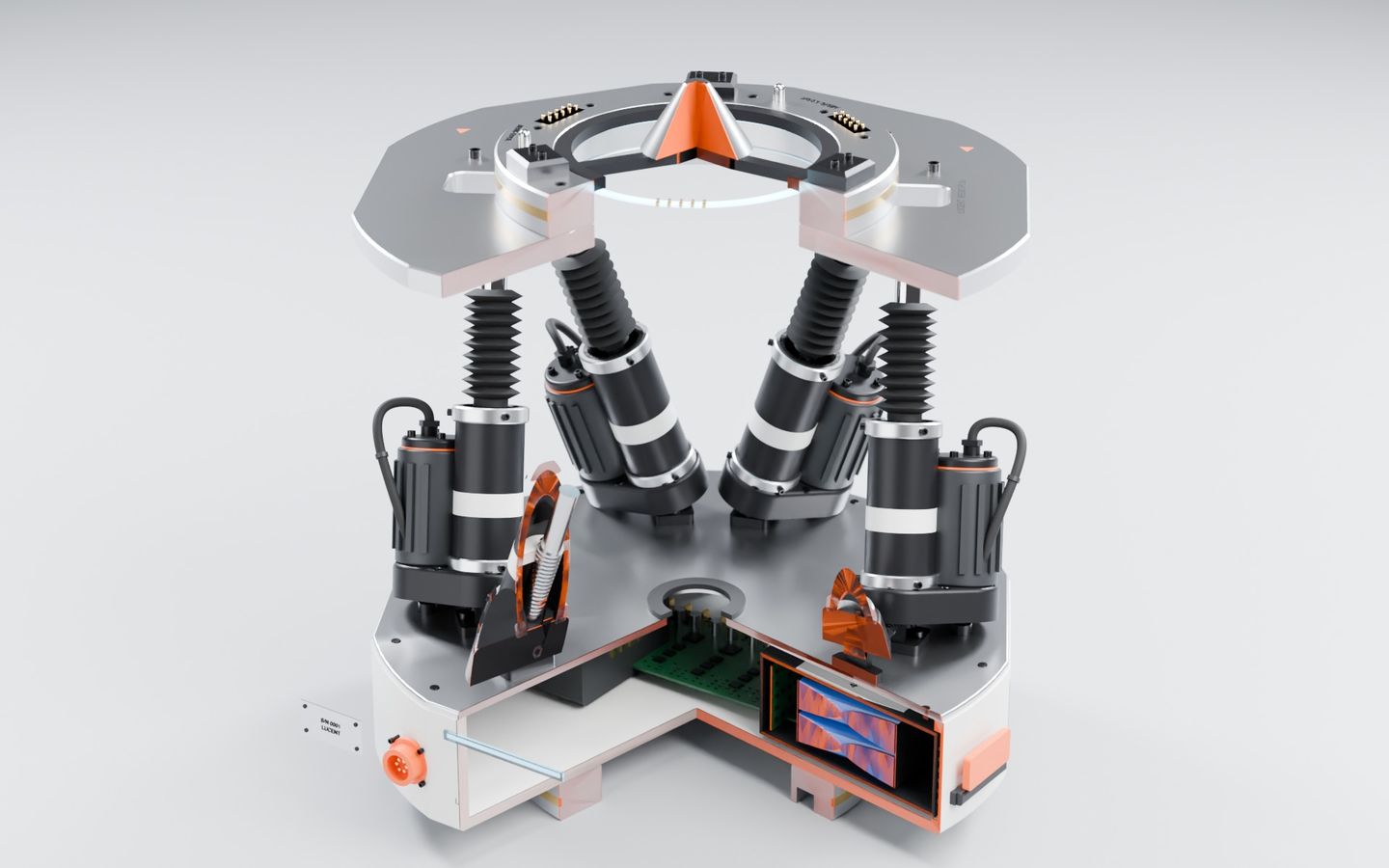
    Fade the plates and the actuators, motors and lock rings stay in place.

  3. 03
    Cut it open

    A section plane slices the real model. Every orange face is where the cut goes through solid metal.

  4. 04
    Take it apart

    Every assembly slides out from the same revision, so you can see how it goes together.

Drag the model to spin it. Pinch or scroll to zoom.

Aedis pod
Loading the real model
ModeWhole
Parts994
Actuators6
Live 3D · the detailed Aedis pod model, 994 parts
Loading the real rebuild
3D scan0 mm0.1 mm or moreMcCoy part
// FLANGE_TEST_SCAN3,568 triangles in · 1 editable part out

// SCAN_TO_CAD

From a 3D scan to a part you can edit

Drop in a scan as STL, OBJ or PLY. McCoy lines it up, finds the profile, bosses, bores and holes, and rebuilds it as a feature tree with every size editable. The scan is coloured by how far each point sits from the rebuilt part. This is a deliberately noisy, tilted test scan of a flange.

  • Within 0.1 mm97.5%
  • Average gap0.036mm
  • Features found7Base, boss, bore, 4 holes

// PHYSICS_REPLAY

Watch it do the job
before it exists

Before any metal is cut, the design runs under physics. Here the Aedis Portor rover and its mast crane lay a row of AM2 mat panels in the desert.

Aedis Portor and mast crane lay a row of AM2 mat panels. Physics-sim replay at 8x speed, design-stage model.

// ONE_REVISION

McCoy keeps the model, the board, the stress results, the motion and the pictures on one revision. Change a part and every view follows, so nothing has to be drawn twice and nobody works from an old copy.

McCoy for engineers

Built on the engines
hardware teams already trust

McCoy runs real engines against one revision and hands you their files. No toy models.

  • build123dParametric parts
  • OpenCascadeExact geometry
  • FreeCADFull CAD editor
  • KiCad 9Boards
  • FreeroutingTrace routing
  • CalculiXStress solver
  • GmshMeshing
  • MuJoCoMotion physics
  • BlenderRenders
  • Mem0Memory
  • ClaudeAssistant

Deployability

Runs where
your designs live

No shared cloud holding your designs. McCoy runs on a machine you own and answers to your governance.

Run by your team · data stays in your building

  • Your own machine

    A workstation on your desk or in your lab, reached through your own secure tunnel. McCoy runs this way today.

    Running today
  • On premises

    Your racks, your network. Nothing about the design leaves the building.

    Your hardware
  • Air-gapped

    Use AI models on the same machine, or none at all. The built-in commands and every engine keep working offline.

    Disconnected

Secure by design

Robot designs are years of work. McCoy treats them that way from the first line of code.

McCoy · controlsStatus
  • RAD
    Governed by Radius

    Every engineering step asks permission before it runs and is signed and recorded.

    Built in
  • KEY
    Your keys stay yours

    AI keys are encrypted on your machine and never sent to the browser or written to logs.

    Built in
  • LOC
    Private projects stay local

    Turn cloud AI off for a project, or for everything, and nothing leaves the machine.

    Built in
  • 0
    No analytics

    McCoy sends no telemetry. There is no switch to turn it on.

    Built in
  • VX
    Watched by Vigilantyx

    Umanah Systems Group's security platform scans the code, packages and machines McCoy runs on.

    Estate-wide
  • HW
    Never touches the physical world

    McCoy does not fabricate parts, place orders or move equipment. A person does.

    Built in

Access is by invitation

Your whole robot, in one conversation

Sign in with your account, or ask Umanah Systems Group for access.